The world of music streaming is full of obscure terms, some of which are quite incomprehensible. Tech jargon, strangely named options that mean nothing to us. In 2002, a new word appeared: “scrobbling.” What is scrobbling, and how to best use it?

Estimated reading time: 11 minutes
Key takeaways
- Scrobbling is the process of tracking the songs, albums, artists, and podcasts you listen to across streaming services and media players, then storing that listening data on Last.fm to build a detailed music profile.
- Created through the merger of Last.fm and Audioscrobbler, scrobbling powers one of the most respected music recommendation systems by analyzing completed listens and long-term listening habits.
- Last.fm uses scrobble data to generate listening statistics, favorite artists and albums, music trends, concert suggestions, and highly personalized recommendations based on your actual music consumption.
- Soundiiz extends scrobbling beyond native integrations by allowing users to submit listening history from services such as Discogs, Plex, Setlist.fm, and Navidrome to Last.fm or ListenBrainz.
AI-generated summary
What is scrobbling and how can you use it? A bit of history
When Last.fm arrived in 2002, the world of music streaming as we know it didn’t yet exist. Everything was still being built, but some were already having their minds buzzing with ideas.
The Last.fm team, originally a radio station and community platform where music enthusiasts gathered, aimed to generate playlists based on users’ profiles. They therefore needed to rely on large amounts of data to ensure their playlists were as accurate as possible.
At the same time, a company called Audioscrobbler created a tool to index in a database what people listened to via internet-connected audio players or other devices. The two services were destined to meet, and in 2005, Last.fm and Audioscrobbler finally merged.

Audioscrobbler’s scrobbling feature complements the profiles built on Last.fm; everything is interconnected, and users love it so much so that in 2006, it won the Best Community Site award at the BT Digital Music Awards.
You know the music industry: sharks are everywhere. And it didn’t take long for Last.fm to attract the attention of industry executives. In 2008, CBS acquired Last.fm for nearly $200 million, giving it a new dimension.
Between departures from the original team, redesigns, the integration of streaming platforms into its services, and dozens of other changes, Last.fm has undergone numerous transformations.
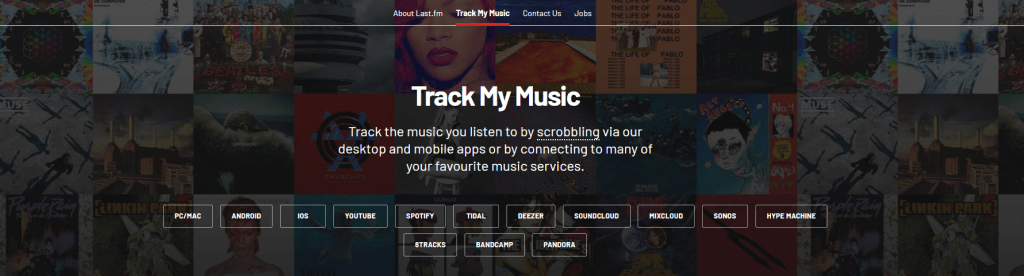
But one thing has remained unchanged: its ability to manage data with precision and ambition. It has a capacity to offer some of the most celebrated music recommendations on the market, thanks to high-performance algorithms and meticulous attention to detail. At Soundiiz, we know how essential Last.fm is in the music world. That’s why we made sure our two services were 100% compatible.
In May 2026, Last.fm became independent and began a new chapter in its history. Its widely popular Scrobble tool still has a bright future ahead, but what is it exactly?
What is scrobbling?
Let’s try to be as clear as possible.
A scrobble is a record of what you’ve listened to on any streaming platform and any audio player. A scrobble works without your knowledge, in the background of your listening, and records information.
If you listened to a track on Spotify, Apple Music, Deezer, TIDAL, or another service, a scrobble will remember it. If you listened to a song on your computer using an audio player, it’s the same thing: it will be scrobbled and therefore stored somewhere.

“Somewhere” is on Last.fm, a platform created with one goal: to keep track of the music you listen to and then offer you music recommendations based on that.
But Last.fm doesn’t want to collect just any data. The service wants it to be reliable, to reflect your tastes accurately, and therefore be as precise as possible. This is why they only include songs in their scrobble count if you’ve listened to them in their entirety, without skipping any parts.
In addition to these duration restrictions, Last.fm can also identify when a song has been scrobbled. This is a practical way to see how your tastes evolve over the years. In short, scrobbling is sending information about what you listen to to Last.fm, which then acts as an online music library. It’s that simple!
What is scrobbling and how can you use it? Here’s how you scrobble!
To Scrobble, everything happens via Last.fm. First, create an account on the platform, then connect the streaming service you use daily. Last.fm offers tutorials if you have any trouble with this, but don’t worry, nothing should stand in your way!
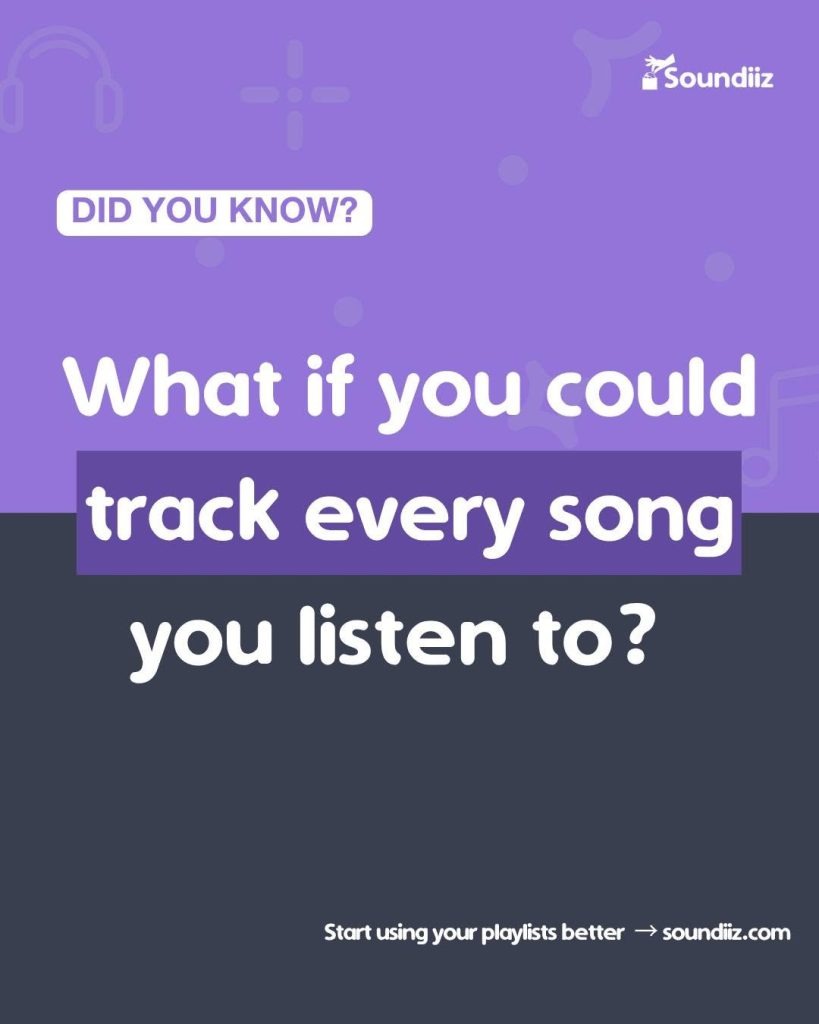
Once connected, you don’t have to do anything else. Every song or even podcast you listen to will be added to your Last.fm profile and your listening history. This gives you a concrete way to see what you’ve listened to. But more importantly, and this is undoubtedly one of Last. fm’s main advantages—it will allow the service to make content recommendations.
Why would you scrobble?
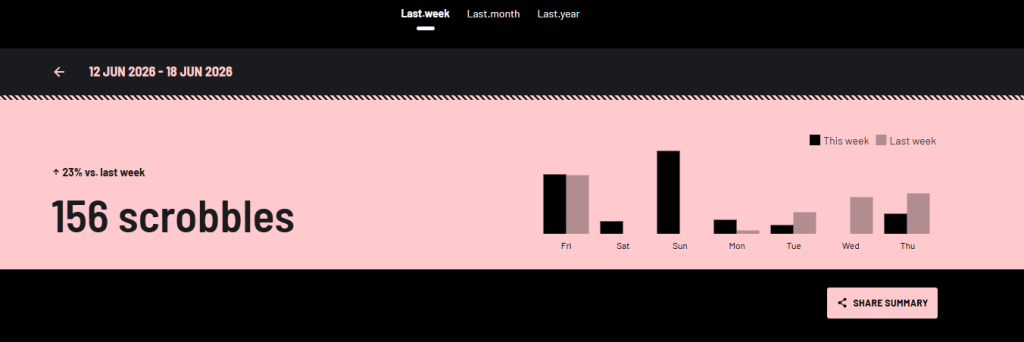
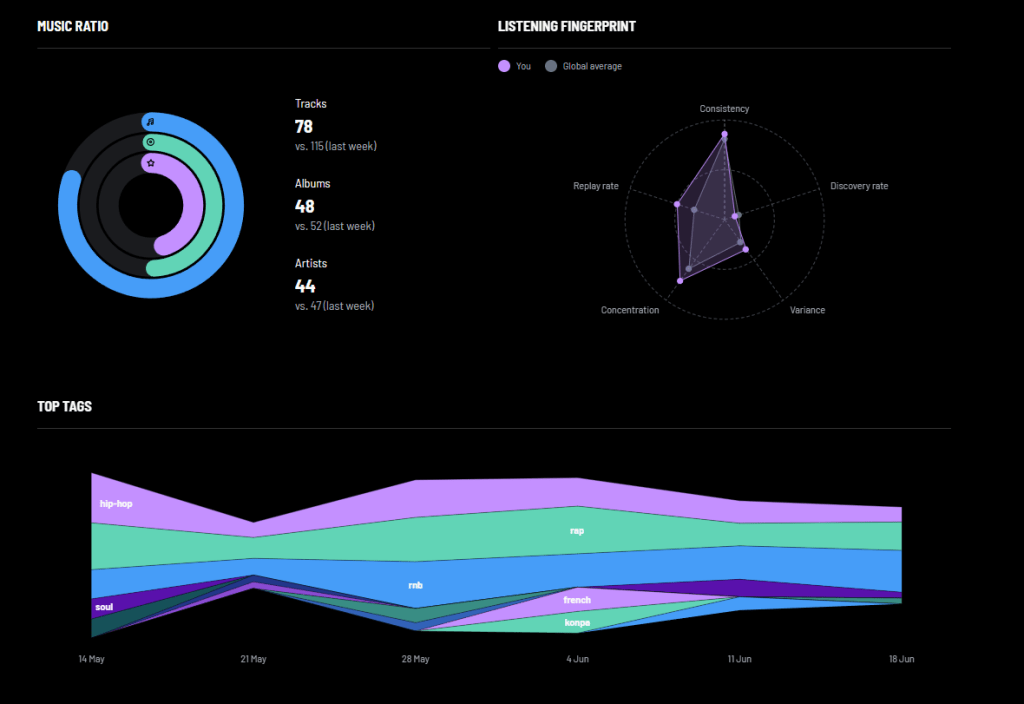
Why would I scrobble anything, you ask? Get ready, folks. Because scrobbling generates a wealth of information via Last.fm. First, there’s your profile page, where you’ll see recently listened-to tracks, your top artists based on a time period you choose, your top albums, and other statistics.
But there are also graphs and statistics: listening percentages by various parameters, data on your usual listening times and favorite periods, and a multitude of other metrics.
This section gives you access to your musical footprint, showing you, in black and white, how you listen to music and what your tastes are. This data forms the basis of another section, on the Last.fm homepage.
By aggregating all the information from your scrobbles, Last.fm provides you with a list of artists, albums, or songs that precisely match your tastes. Last.fm has been around for years, and the vast majority of its users agree that its recommendation system is not only unique but also the most effective on the market.
Scrobbling isn’t limited to a single streaming platform; it’s available across all the apps you use to listen to music. The data collected by Last.fm, therefore, comes from multiple sources, and the decision to only record tracks that have been listened to in their entirety ensures optimal relevance to what you actually want to listen to.
Last.fm boasts a database of over one billion songs. Every song and artist has their own page on Last.fm. They add:
“[…] no matter how obscure, eclectic, or unique your taste is, we can tailor our music recommendations precisely to your preference.”
The bonus? You can share your scrobbles with your friends and also get concert recommendations near you, based on the profiles you listen to most.
But how can we go even further? And how can we scrobble services that aren’t natively scrobble-compatible? Soundiiz has the solution!
Scrobbling with Soundiiz
Soundiiz was born from a passion for music and its environment, as well as a desire to simplify the daily lives of music lovers. Our services have long been compatible with Last.fm. But we wanted to go further. And make the richness of Scrobble compatible with platforms or tools that didn’t natively support it.

With Soundiiz, you can scrobble the vinyl collection you’ve cataloged on Discogs. Or a concert you listened to on Setlist.fm. Or a playlist from a streaming platform that wasn’t compatible with Scrobbling.
The goal? To break down the barriers between streaming services and connect your listening habits. And to allow Last.fm to take into account all the music you listen to, wherever you are, to define your musical profile and offer you even more personalized recommendations.
Almost too good to be true, isn’t it? We launched our Scrobble option on Soundiiz just a few days ago, and we’re already seeing many people using it!
How can you scrobble with Soundiiz?
It’s very simple. First, you’ll need to connect to the service you want to scrobble from. Discogs, for example.
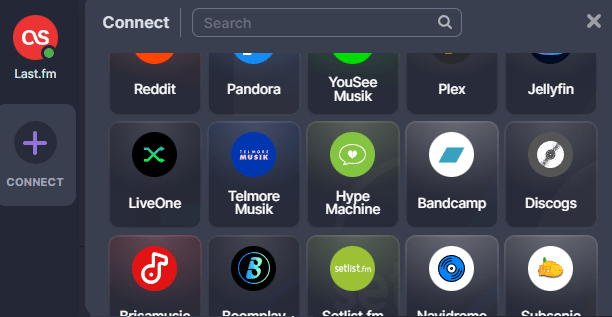
Click the “Connect” button on the left side of your screen. In the list of platforms, find the Discogs icon, and follow the instructions!
Once the connection is established, you’ll see the Discogs logo appear on the left side of your screen, with a small green dot. This means everything is OK.

Next, in your Discogs folder on your homepage, select the tracks you want to scrobble by checking the box next to each track’s name (or selecting them all at once), then click the second small icon with a circle labeled “Scrobble.”


A window will open. Here you can check your list of upcoming Scrobbles and even rename each one if you wish.
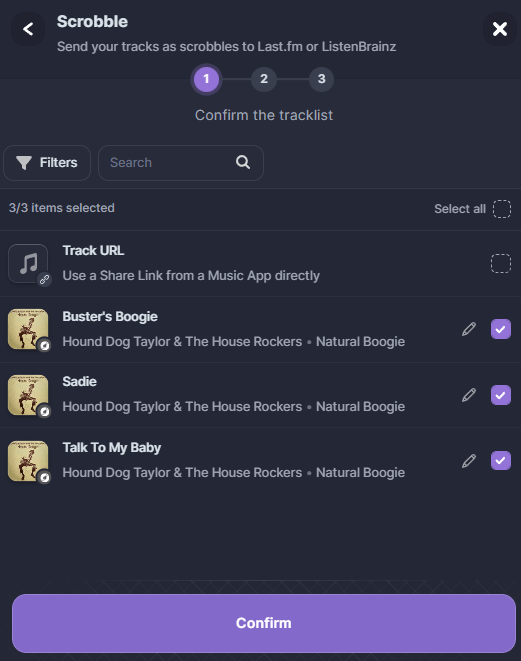
Once you’ve checked your Scrobbles, choose your destination: Last.fm or ListenBrainz. To learn more about ListenBrainz, you can read our dedicated article.
Note: For the Scrobble to work, you must have previously created an account on Last.fm and/or ListenBrainz and connected that account to Soundiiz.
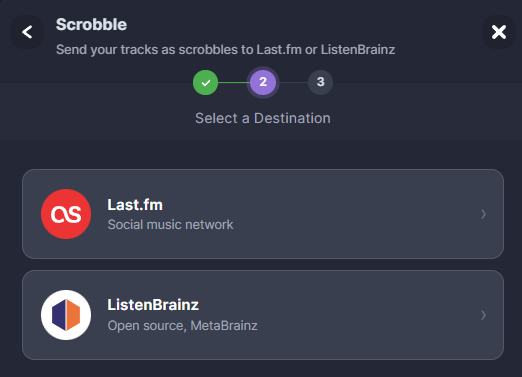
Soundiiz then allows you to choose the timeframe for your Scrobble: either “Right now,” “An hour ago,” “Yesterday evening,” or enter a custom date. This will allow you to keep your Last.fm account as close as possible to your actual listening statistics and times.
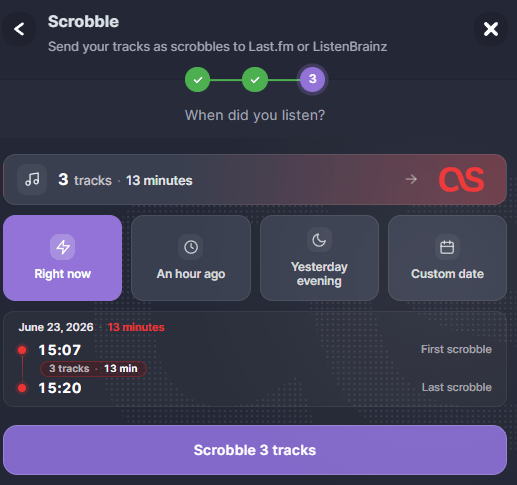
Once you’ve made your selection, click the purple button to complete the Scrobble! You’ll then find your progress on your Last.fm or ListenBrainz account.
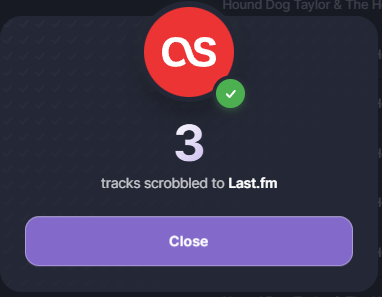
The only limitations are: You cannot scrobble tracks more than 14 days old or submit more than 2,500 scrobbles per day, and free Soundiiz users can scrobble up to 200 items at a time.
And Scrobble isn’t limited to Last.fm. With Soundiiz, you can scrobble from Plex, Navidrome, Setlist.fm, LiveOne, and numerous other platforms.
Our feature is unique: with Soundiiz, your scrobbles are limitless. Try it out right here!