Since our July changelog, Soundiiz has added new music-service connections, redesigned the transfer experience, and introduced sign-in by email code. Here are the main updates released between July 16 and October 13, 2026.
Highlights
- New music services: Connect CodaMusic, QQ Music, and Kugou Music, and use the rebuilt NetEase Cloud Music connection.
- Clearer transfers: A redesigned home screen, simpler transfer screens, and results you can act on.
- More import options: Shared playlist links from five more services, SoundCloud stations, and TuneMyMusic backups.
- Sign in with an email code: Create or access your account with a one-time code.
CodaMusic, QQ Music & Kugou
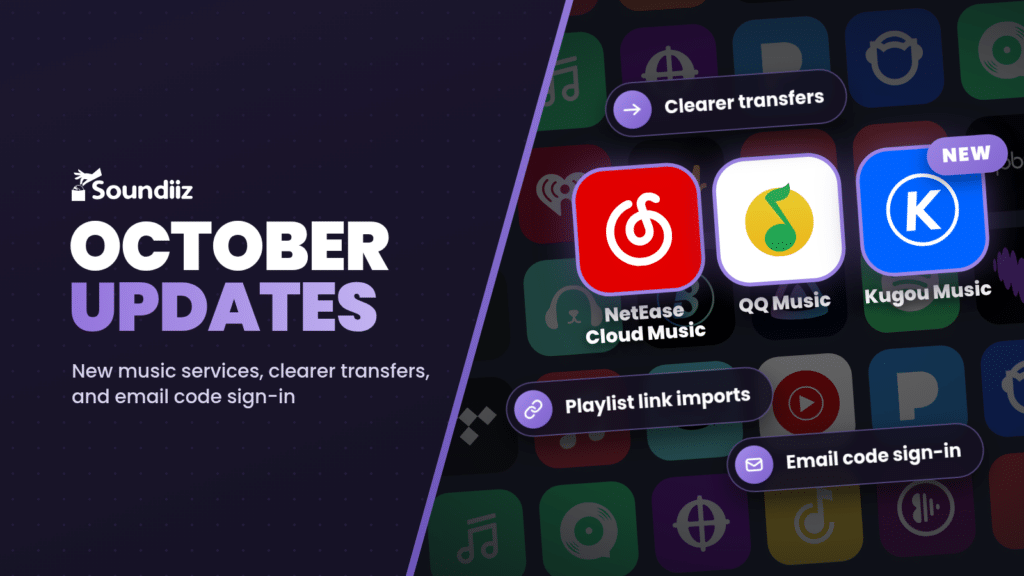
You can now connect CodaMusic, QQ Music, and Kugou Music to Soundiiz and transfer playlists between these services and other supported platforms.
We also rebuilt the NetEase Cloud Music connection, with QR-code sign-in and improved playlist and favorites handling. QQ Music and Kugou also use QR-code authentication. The available actions depend on each service: for example, Kugou supports playlists, liked tracks, and followed artists, but not saved albums.
Clearer playlist transfers
The redesigned home screen brings your music collections and main tools together. Transfer screens now make it easier to choose a source, review your selection, and follow progress on desktop and mobile.
- Results you can act on: Completion screens summarize the music moved to your destination, with clearer counts and links to the resulting playlists.
- Corrections that stay corrected: Tracks corrected manually after a file import now keep their correction when you reload the results, and the totals update accordingly.
- Clearer connection problems: An unavailable source is distinguished from an empty collection, with a retry option when its contents cannot be loaded.
More playlist import options
- Shared playlist links: Import public playlists from LINE MUSIC, AWA, Melon, Nico Nico, and KION Music through Import Playlist → From Web URL. These are link imports; connecting an account on those services is not required.
- SoundCloud stations: Your liked stations can now appear alongside playlists in Soundiiz, and station links can be used as an import source.
- Library backup files: File imports now handle TuneMyMusic backups containing a mix of playlists, tracks, albums, and artists.
Easier sign-in and everyday use
- Sign in with an email code: Use a one-time code sent to your email address to create or access your Soundiiz account. Password sign-in remains available, and existing two-factor authentication stays in place.
- Choose your appearance: In Settings → Appearance, select Light, Dark, Solarpunk, or System to follow your device’s light or dark preference.
- Quicker scrobbling: A playlist shortcut reuses your last Last.fm or ListenBrainz destination and listening-time preset, while the date and time controls make the listening period clearer.
- More reliable matching and syncs: We improved handling of different Apple Music recordings and TIDAL album versions, and made scheduled playlist sync errors and temporary platform limits easier to handle.
Smartlinks also received several improvements.
Explore the updates in Soundiiz. For a recap of the previous release, read the July 2026 changelog.