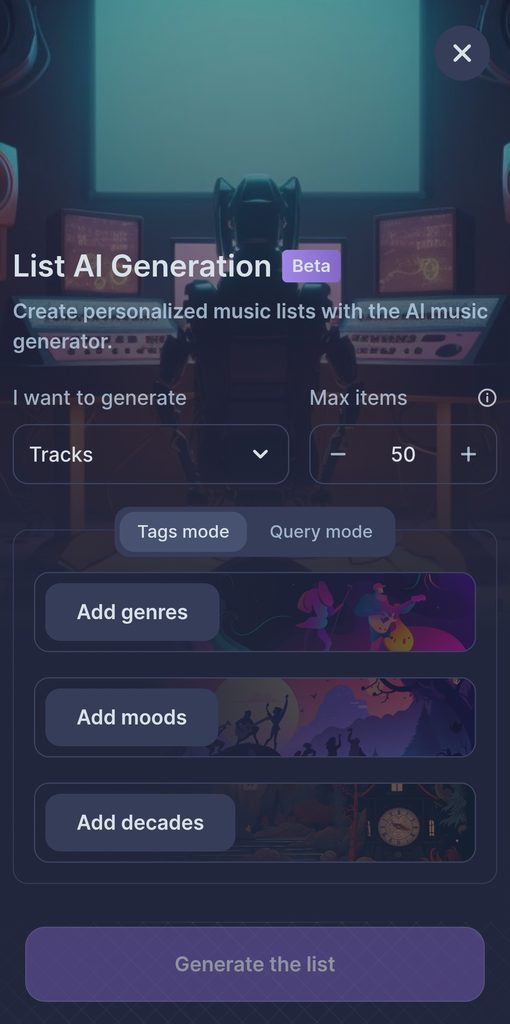
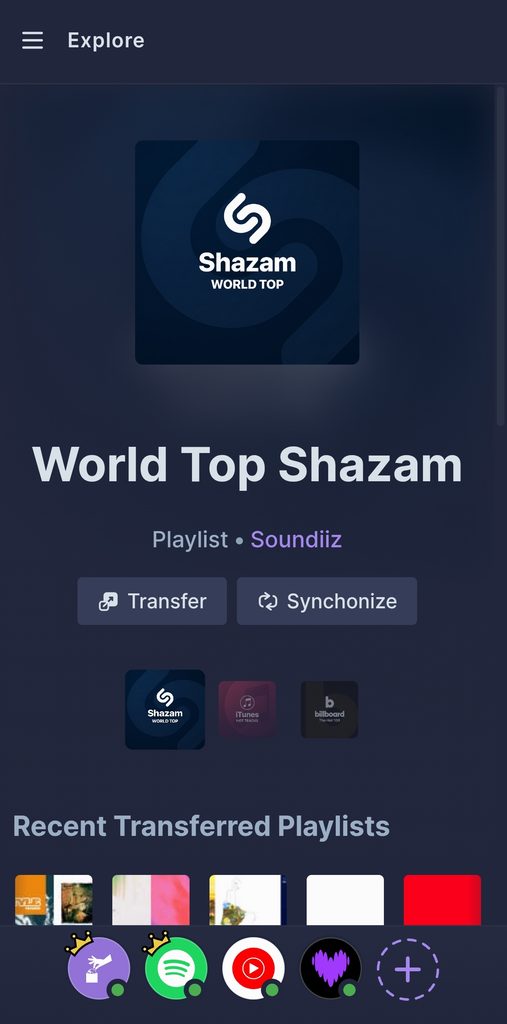
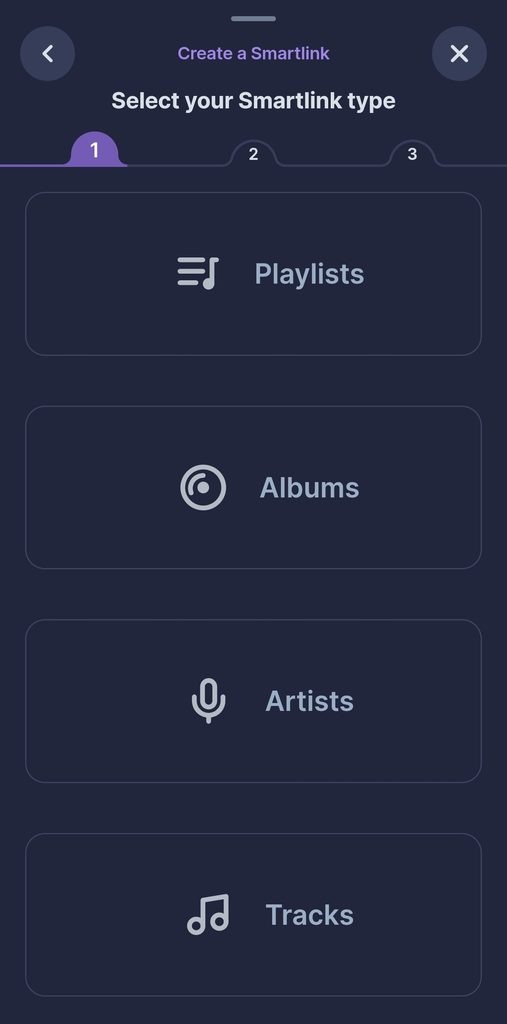
Soundiiz is available as a mobile app for Android and iOS, allowing you to transfer playlists, sync music libraries, generate AI-powered playlists, create Smart Links, and move music between streaming services directly from your smartphone. Whether you want to transfer playlists from Spotify to Apple Music, Deezer, YouTube Music, or another platform, the Soundiiz mobile app gives you access to the tools you need, wherever you are! And here’s how to Transfer music playlists with Soundiiz App for Android & iOS!
Estimated reading time: 8 minutes
Is Soundiiz Available on Android and iOS?
Yes. Soundiiz has official mobile apps for both Android and iOS. They let users transfer playlists, manage their music libraries, sync playlists and access Soundiiz’s main features directly from their smartphones. Both apps use the same account as the Soundiiz web version.
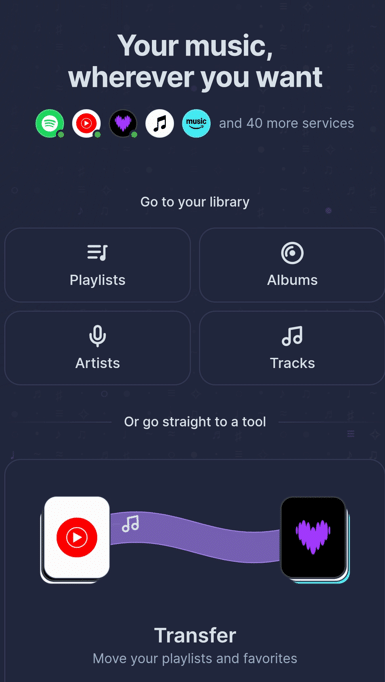
Both apps are free to download and provide access to all the features already available on our web and desktop interfaces. Please also note that Soundiiz can be used on a MacBook. Providing a unified experience across all channels has always been a top priority, and we are proud to say Soundiiz is now accessible everywhere.
Why use Soundiiz on Android and iOS?
Using Soundiiz on Android or iOS puts all our service features right at your fingertips. We know how it is—you’re just like us: you rarely go anywhere without your phone. That’s exactly why we wanted Soundiiz to be available wherever you are—whether you’re at home or on the go!
From the very beginning, our goal at Soundiiz has been to make our services the perfect companion for managing your streaming music library. And a perfect companion should be one that can go wherever you go!
Our iOS app launched recently and has already been well received—so to everyone who has downloaded it from the App Store: a huge, heartfelt thank you!
What’s the difference between the Soundiiz web interface and its apps?
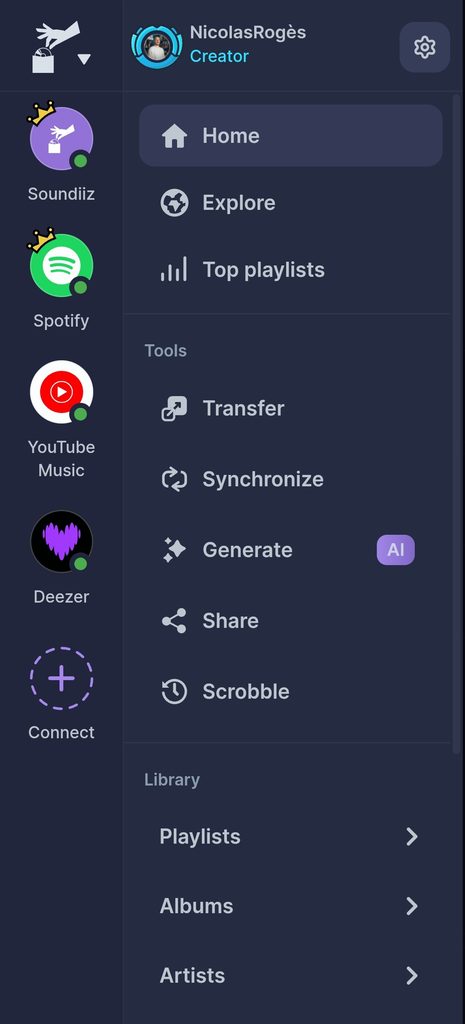
There is no difference between the web interface—whether accessed via a browser or on your computer—and the Soundiiz Android and iOS apps. You will find the same features and the same options for managing your library. The only difference, of course, is the layout!
Beyond that, we promise everything you love about the desktop version of Soundiiz is there, fully intact and just as easy to use, in the app of your choice!
Are the Android and iOS Apps Different?
No, there is no difference in terms of functionality between the Android and iOS apps. You will find the same features, layout, and compatibility across all platforms. The only differences are those inherent to the operating systems themselves—as with all apps globally—specifically regarding payment and security systems; however, this is not specific to Soundiiz. Whether you use Android or iOS, it’s no problem at all—no one needs to feel left out!
How to Transfer Playlists Between Music Services on Your Phone
To transfer your music streaming data (playlists, liked songs, followed artists, etc.) from Spotify to Apple Music—or between any other platforms—you can use the Soundiiz app, available for both Android and iOS.
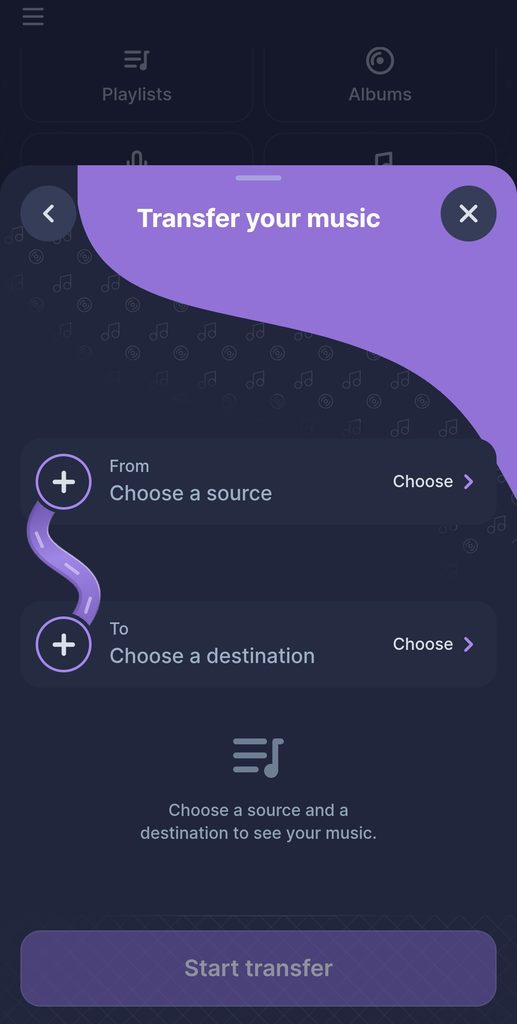
Follow these steps:
- Download the app from the Play Store or the App Store.
- Create a Soundiiz account.
- Connect both the platform you wish to transfer data from and the platform you wish to transfer data to. You must have an account on both platforms for the transfer to work.
- On your home page, click “Transfer.”
- Select your source and destination.
- Choose what you want to transfer by checking or unchecking the four categories displayed (you can select one or more).
- Then, click “Start Transfer.”
- Everything has now been exported to your destination platform!
Please note that depending on the size of the data you wish to transfer, you may need to use one of our Premium subscriptions – you can do a one-time transfer and unsubscribe, as our plans can be canceled anytime!
Can You Transfer Playlists Without Keeping Your Phone On?
You can safely turn off your phone, Wi-Fi, or mobile data while using any of Soundiiz’s features; the task you initiated will continue to run. All Soundiiz features operate on Soundiiz’s own servers, meaning any data transfers you’ve started will proceed regardless of what you do. Once you turn your device back on, you’ll find the transfer is complete, and your content is now available on your Spotify, YouTube Music, Deezer, Amazon Music, TIDAL, Qobuz, or any other platform account!
Which Music Streaming Services Are Supported?
The vast majority of music streaming platforms are compatible with Soundiiz—and by extension, with its Android and iOS apps.
Services such as Deezer, Spotify, Apple Music, YouTube Music, Amazon Music, TIDAL, Qobuz, SoundCloud, and many others are supported. You can find the full list of platforms compatible with Soundiiz right here. With more than 40 services available in total, there’s plenty to choose from!
Is Soundiiz Safe to Use on Android and iOS?
As a French platform, Soundiiz is subject to the European General Data Protection Regulation (GDPR). This regulation is among the strictest and most demanding in the world. Furthermore, we regularly update our tools to ensure they remain fully aligned with European security guidelines.
Why is this so important? In the age of AI, many people are trying to create applications with goals similar to ours. Using chatbots, they write code to build software without any technical background.
However, because these services lack years of industry experience, they tend to be incomplete, inefficient, and short-lived—and, above all, they often fail to comply with security regulations. They can pose a genuine risk to your data. This is yet another reason to choose Soundiiz—a service with years of expertise—to manage your music streaming data.
Is It Legal to Transfer Playlists Between Music Services?
Our tools come from partnerships forged over the past 13 years with more than 40 streaming platforms. With legal access to their APIs (Application Programming Interfaces), we can securely manage complex data while complying with the platforms’ legal requirements.
While we handle your music streaming data, we never download songs or albums, as we do not hold rights to copyrighted content. Our services comply with all legal requirements regarding artists and their labels. Because we are completely independent of all streaming platforms, we can offer transparent, balanced services.
Proof of this is that major streaming platforms quickly trusted us. When TIDAL launched in 2015, the American company featured us as a partner on its website. This attracted Forbes’ attention, strengthening our credibility and professionalism and increasing our visibility among streaming industry players and the general public.
In 2026, with over 13 million registered users and more than 375 million playlists transferred to date, Soundiiz has become an essential player in the music industry. We also recently partnered with Qobuz, a music streaming platform that offers the highest sound quality and among the highest artist remuneration.
Can You Transfer Playlists for Free with Soundiiz Apps?
Yes. Soundiiz Free never expires and lets users transfer as many playlists as they want, one at a time. A source playlist can contain more than 200 tracks; users can select up to 200 tracks for a free transfer. The first 200 tracks are selected by default, and you can change the selection before starting. This limit applies to each playlist, not a cumulative quota across the account.
If you wish to transfer more songs at once, you can subscribe to one of the Premium plans. The good thing is that you can subscribe for a one-time transfer and then unsubscribe from Soundiiz.
To download our app on Android, go here—and to download it on iOS, go there!