Data is everywhere, all the time. In our hands, between our ears, in our eardrums, on our televisions—everywhere. In the world of music streaming, with the proliferation of streaming platforms, data has become the key to everything. It symbolises significant security and storage challenges. At Soundiiz, data handling and storage have been our core focus for 13 years. On World Backup Day, March 31st, we explain how Soundiiz manages your data and why it is the most secure way to back up your music.
Estimated reading time: 11 minutes
Soundiiz’s purpose: backing up data
Soundiiz is thirteen years old. Already! This means our services launched when the music streaming world was already well established, having been around for several years. But it also meant that the “problems” were starting to emerge: storage, security, and data-handling problems.
For a long time, streaming seemed static. If you were subscribed to a platform, it was difficult, if not impossible, to switch to another without risking losing all the data you had accumulated. The problem was simple: there was no way to recover your playlists, saved artists and albums, and all the other elements you had accumulated over your months/years of use. Once you were gone, they were gone with you.
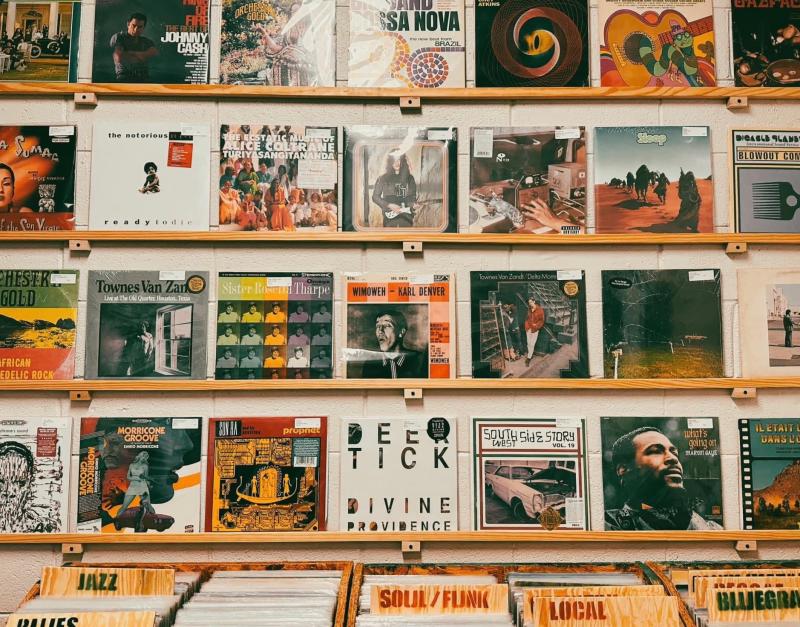
For a long time, users put up with it. They weren’t satisfied, of course, but what other solution existed? Unlike albums or vinyl records, which you can take from place to place, music streaming data remained locked away in a mysterious location, inaccessible to everyone. Until Soundiiz came along.
We looked ahead. With the advent of streaming, whether for music or video, data dematerialization has become the norm. But that doesn’t mean that all the world’s music suddenly vanished. On the contrary.
It multiplied and migrated to the cloud, where it joined countless other datasets.
Handling data
For us music lovers, understanding where our data is stored can be complicated. And sometimes it seems like we have no control over anything. We know that each of our actions contributes to a data stream stored somewhere, but how can we maintain any control over this data? And above all, how can we ensure it’s stored in a safe, secure, and trustworthy place?
With these challenges in mind, Soundiiz has worked on two things. First, a dashboard, a platform where users can manage all their streaming data: playlists, liked tracks, downloaded data… Everything.
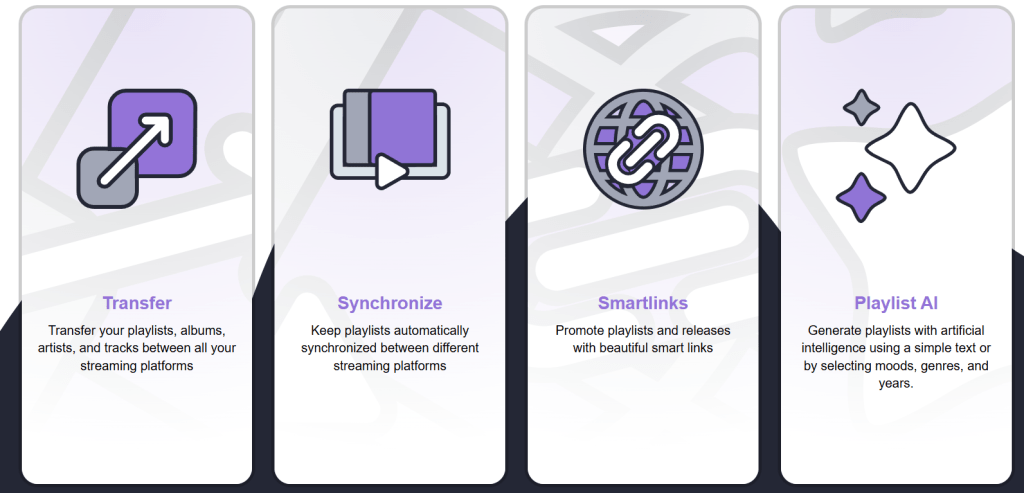
A way to see all your data and act on it, more so than in any music streaming platform interface. Soundiiz lets you connect your streaming accounts to create an automated mirror of your account. Everything is visible: your playlists, artists, albums, etc.
And everything is editable. You can edit the title and the image of your playlists, mix two playlists into one, sync them, clone them, share them, empty them, delete them, and a host of other options.
Your data is no longer inaccessible; it’s right there, in front of you, and thanks to Soundiiz, it becomes a dynamic entity. It’s not just backed up, but actively manipulated. And that’s a small revolution in the world of music streaming data.
Storing!
The second thing Soundiiz stands out for is the ability, in addition to the options mentioned above, to download and save this data. Not just back it up, but actually store it somewhere safe.
It does not mean that Soundiiz downloads entire songs or albums: we do not have the rights to copyrighted content. Our services are 100% legal and, of course, comply with all legal requirements associated with artists and their labels. Being completely independent of all streaming platforms, we can offer transparent, balanced services.
Our “Export” function, accessible from your dashboard, lets you download all your data in seconds in the format of your choice. We’ve detailed the procedure below to ensure you understand all the nuances.
Downloading is great, but storing your data in a secure location of your choosing is even better! Being able to export your data allows you to move it to the location of your choice and ensures you never lose it due to accidental deletion or switching streaming platforms. Everything can then be imported to your chosen destination via Soundiiz.
This concept of data backup, portability, and storage is one of the core reasons Soundiiz exists. We work on these features daily, investing time and money in them: they are essential for us… and for you!
Why Soundiiz is the most secure way to back up your music data
Our tools are the result of partnerships forged over the past 13 years with streaming platforms. With legal access to their APIs (Application Programming Interfaces), we can securely manage complex data in compliance with the platforms’ legal requirements.
Backing up your data on Soundiiz is safe and trustworthy. When you view your data on your dashboard, you can be sure it is backed up in a location where you can retrieve it intact.
In addition to our daily work on the security of our tools, we are subject to the European General Data Protection Regulation (GDPR). It is renowned for being one of the strictest and most demanding in the world.
We are, in fact, a French platform, and therefore bound by European regulations, which gives us a significant advantage – and expertise – in terms of data security.
How to store and back up music streaming data?
First, create a Soundiiz account or log in if you don’t have one.
On your home page, scroll to the bottom and click the “Connect Services” button.

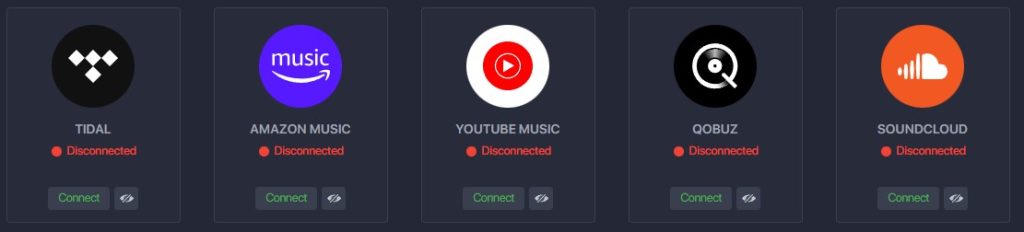
You’ll then see a page listing streaming platforms and their logos. Now you need to “Connect” your platform(s).
Click the “Connect” button and enter your login details in the pop-up window. Your streaming platform is now connected.
Return to your Soundiiz home page. Magic: In the “Your Library” section, you’ll see all the playlists, albums, artists, and songs registered on the account you just connected.
From here, the procedure is straightforward. First, click on the section you want to act on: “Playlists,” for example.
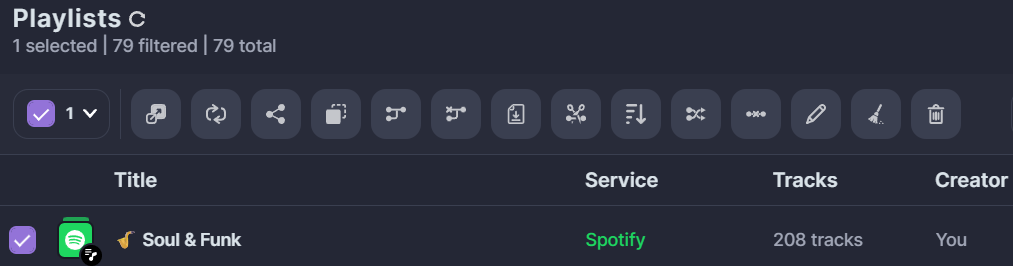
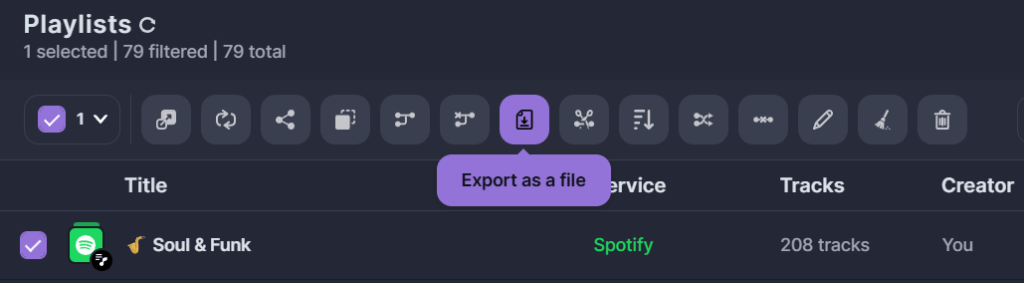
Select the playlist whose data you wish to download. Then, in the small list of icons above your playlist, look for the icon corresponding to the “export as a file” function. Click on it.
Note: You can also “click right” on your playlist and select “Export as a file.”
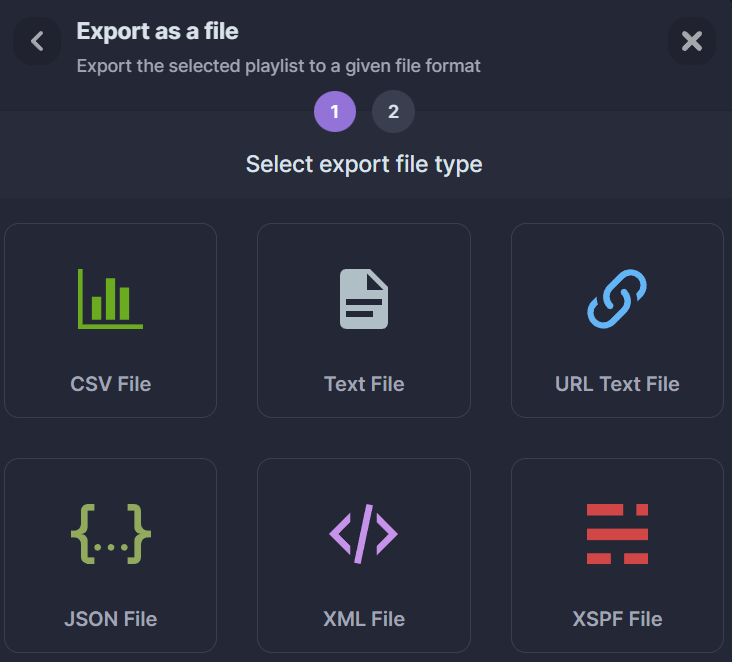
Then choose your export format, such as CSV.
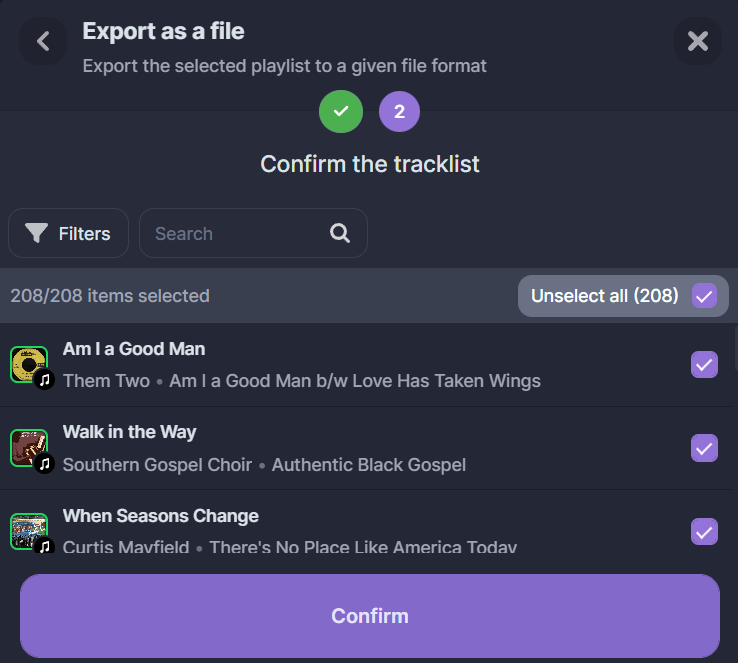
Confirm that the selection corresponds to what you want, then click “Confirm.”
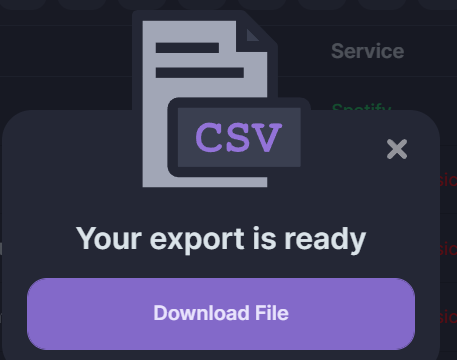
The export begins, and a purple “Download File” rectangle appears in a window. Click it, and your CSV file will be downloaded.
Now, you can store it wherever you like! The generated file contains all the information you need.
Note: exports on Soundiiz are not free. To check our prices, click here!
Can you export/download your Deezer playlists in formats other than Text or CSV?
The text and CSV formats are the most widely used, so we’ve chosen to focus on them in this article. However, we know from experience that many people use other save formats. Deezer playlists can also be exported/downloaded in JSON (JavaScript Object Notation), XML (Extensible Markup Language), and XSPF (XML Shareable Playlist Format).

Without getting too far ahead of ourselves, this should cover most needs and give you optimum flexibility in what you want to download or export!
What else can you do with this backed-up data?
This is where another Soundiiz feature comes into play: synchronization. At Soundiiz, we call it the icing on the cake. There are several types of synchronization: first, synchronization of playlists from a platform other than your own, which you can choose to retrieve and update as often as you like, all through Soundiiz.
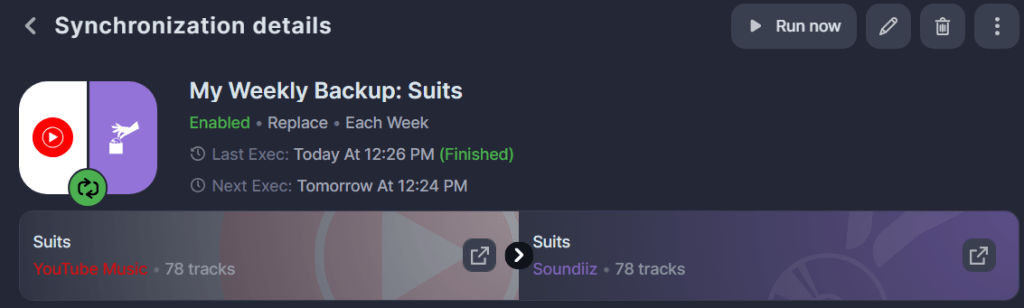
It’s a way to enjoy the best that music streaming platforms have to offer without ever leaving your home.
Soundiiz is the most secure way to back up your music data – Flawless and automatic
But the other synchronization concerns your own playlists. As you’ve guessed, Soundiiz is the ideal place to manage your music catalogs and streaming data. But it’s also a way to back up your data without lifting a finger.
Let us explain: you have one or more favorite playlists. And you don’t want to lose them. And you also don’t want to download them regularly to back them up. It would take too much time, especially since you’re constantly updating them. It’s impossible to back them up in CSV or other formats every time you add a song to one of your playlists.
But the fact remains that these playlists need to be backed up somewhere. By using Soundiiz’s Synchronization feature and selecting your desired frequency—daily, weekly, or monthly—you can have Soundiiz back up your playlist to your dashboard. Select your playlist, then in the toolbar at the top of your screen, click the second icon, “Synchronize.” Then select the “Soundiiz” icon, create a new playlist, for example, “Sports Playlist – Back Up,” and follow the instructions.

Once you’ve started the process and entered your criteria, Soundiiz will handle the rest. You can be certain that your data is backed up in a safe and secure location!
We advise you to transfer from your streaming platform to Soundiiz once a week to ensure everything is saved safely. Once it is saved on Soundiiz, you can transfer your data to another destination or just download it as a file. Again, the metadata we use is 100% legal.
We designed our tools to cover the widest possible range of needs. Here, synchronization is combined with playlist management, all automated, so it’s virtually invisible to you.
To realize why Soundiiz is the most secure way to back up your music data, click here!